
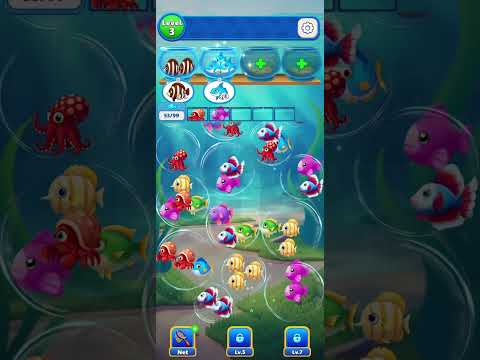
Level 4: reviewed board notes
These notes describe a visible checkpoint in the Dũng Trịnh recording, reviewed on . Use them to compare your board. They are not a complete tap-by-tap solution; fish names below describe colors and shapes, not official species names.
Compare the reviewed board at 10:50 →
The recorded progress counter has a goal of 120. This is the on-screen counter, not a move count or a count of fish visible in one frame.
Which mechanic is introduced?
At 10:50, the recording displays a New Mode Unlocked panel explaining that adjacent fish must be clicked three times to defrost an ice block. Level 4 is visible behind the panel.
What does the later board show?
At 12:31, the counter reads 42/120. The green order shows 0/3, the yellow striped order shows 3/3, and an ice bubble marked 2 remains near the upper right.
How should the ice marker be read?
The number is an observed on-screen marker. Use the recording to see how it changes after adjacent matches rather than assuming every frozen group follows an unverified shortcut.
Video source and version check
This Level 4 replacement was visually verified from Dũng Trịnh on 2026-10-28. The uploader did not provide a verifiable package ID or exact app build, so compare the visible opening with your screen before following later moves.
The guide covers the Shycheese mobile game identified by Android package triple.sorting.bubble.fish.match; it is separate from the YIGOT browser game on the homepage.